
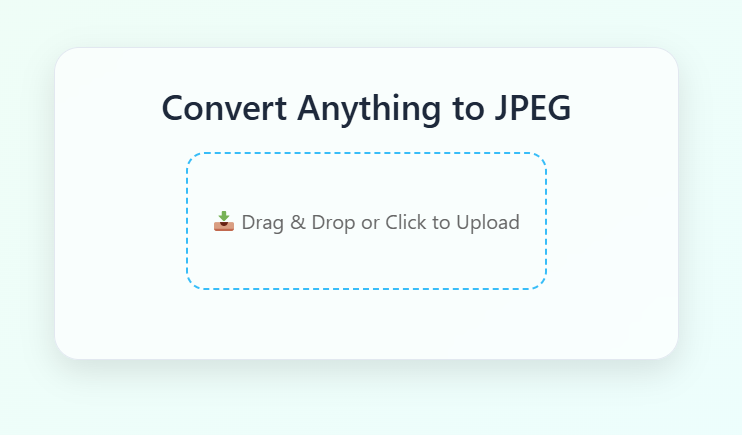
Convert Anything to JPEG
Transform your files into JPEG format with just a few clicks
📤 Share the Convert to JPEG tool:
Convert Anything to JPEG Online – Fast, Secure & Free
Looking for a fast and reliable way to convert your files to JPEG? Whether you're working with images, PDFs, DOCX documents, or even HEIC files from your iPhone, our Convert to JPEG tool does it all – entirely in your browser and absolutely free. No software download. No sign-up. No watermark.
🌐 What Is a JPEG and Why Convert to It?
JPEG (Joint Photographic Experts Group) is one of the most commonly used image formats on the internet. It's known for its efficient compression, excellent compatibility, and relatively small file size. Converting files to JPEG is ideal when you want:
- • Smaller images that load quickly on websites
- • Universal format support across all devices and browsers
- • Easy uploading to social media or email attachments
🛠️ Supported File Types
Our converter supports a wide range of formats including: PDF, PNG, WEBP, BMP, SVG, DOCX, TIFF, HEIC, HEIF, GIF, JPG, JPEG and more. Whether you're converting a multi-page PDF, a high-resolution PNG, or a Word document, our tool ensures that your output is a crisp, clean JPEG image.
⚡ How to Convert Files to JPEG
- 1. Drag and drop your file(s) into the upload area
- 2. Wait for the tool to generate a preview
- 3. Click the "Convert to JPEG" button
- 4. Download your converted file or ZIP if multiple
No tech knowledge required. It's that simple.
🧠 Features of Our Online JPEG Converter
🛡️ Is My Data Safe?
Yes. Our JPEG converter runs 100% in your browser. privacy and security. We do not store or share any of your data.
📱 Compatible Across All Devices
Whether you're using a desktop computer, MacBook, iPhone, Android, or tablet – our tool adapts beautifully. It's responsive, fast, and accessible from anywhere with an internet connection.
📄 Use Cases
- • Convert scanned documents to JPEG for uploading
- • Compress high-resolution images for web use
- • Create social media-ready JPEGs from artwork or designs
- • Generate email-optimized images from PDFs or DOCX files
📌 Frequently Asked Questions
Can I convert a PDF to JPEG?
Yes, our tool converts each PDF page to a separate JPEG image.
Are there file size limits?
Yes, each file must be under 10MB for optimal performance.
Is this tool free?
Absolutely! This converter is 100% free with no hidden charges or sign-ups.
Will there be any watermarks?
No, we don't add watermarks to your converted images.
Do you store uploaded files?
No. All processing happens in your browser and we don't store anything. Read our Privacy Policy.
🔒 We do not collect, upload, or store any files. All conversions are handled securely in your browser.


